Project STAR · 星光恋语社 · Otome game
Character Performance Design
From a supplied script to character performance.
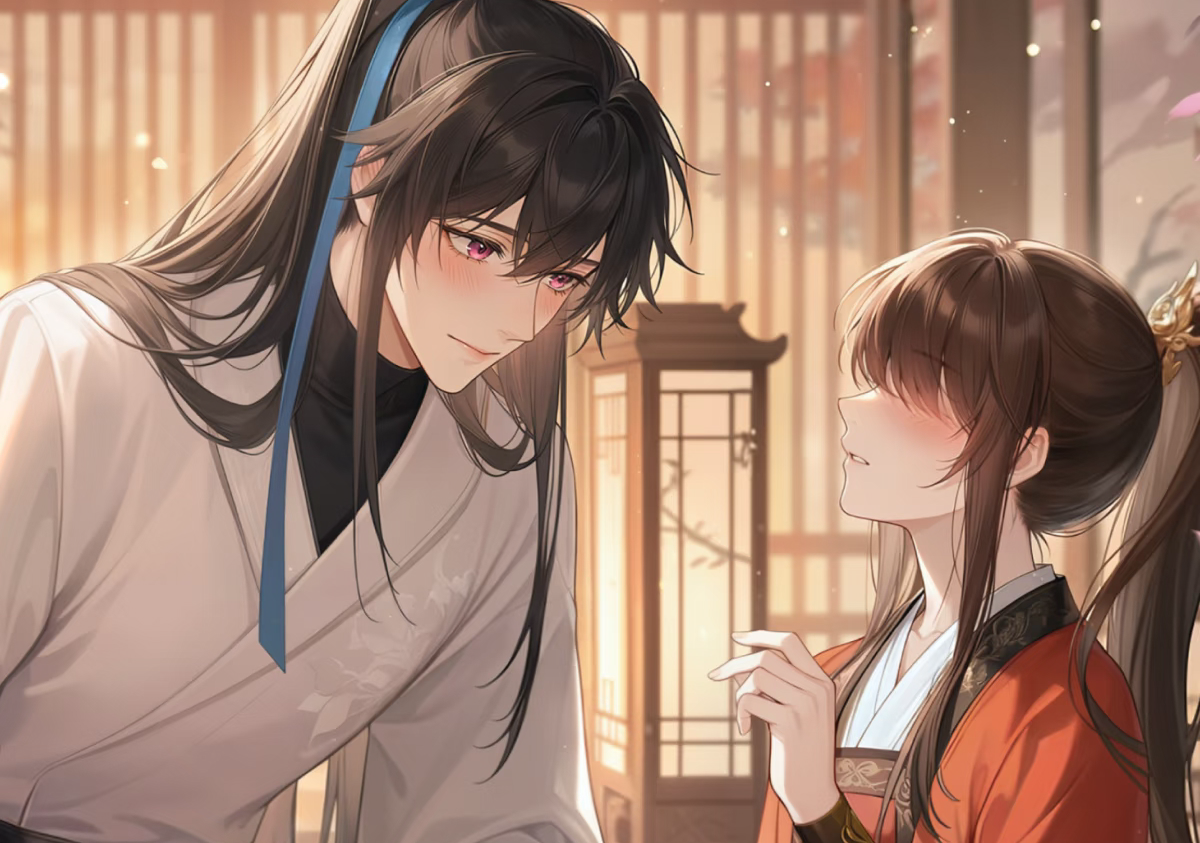
Project overview
I specified the shots and performance assets for the art and programming teams, then edited a demonstration with existing game assets and supplementary AI-assisted motions. The sequence was subsequently implemented using production CG assets.
Demonstration
From confrontation to reassurance
I coordinated camera transitions with changes in expression, specifying how each movement settles before the next line.
I edited this reference video for the art and programming teams to illustrate the performance plan.
01 / Assets
A reusable performance library
The resource sheet separates actions from expressions; the shot document combines them with scene-specific instructions.
| ID | Performance | Direction |
|---|---|---|
1_action_agree | Nod | Nod gently, blinking as the head lowers. |
1_action_invite | Invite | Face the camera, extend one hand, then lower it. |
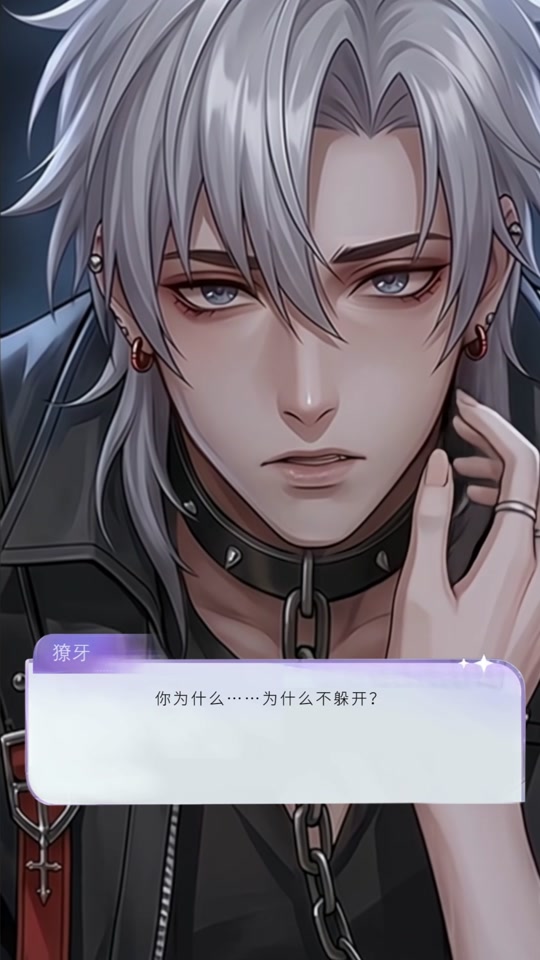
1_emotion_pain | Pain | Lower the head to the left, tighten the brows and remove eye highlights. |
1_emotion_smile | Smile | Restore the eye highlights and lift the mouth corners as the eyes narrow. |
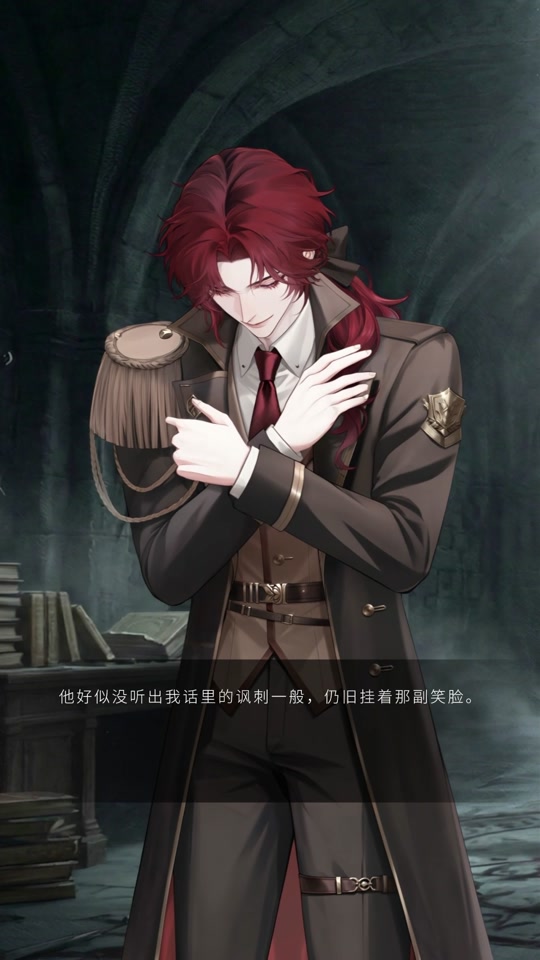
2_action_clean | Brush sleeve | Look down, brush the sleeve, then look towards the camera and lower the hand. |
2_emotion_wronged | Hurt | Widen the eyes slightly, lower their outer corners and pout. |
02 / Staging
From scene entry to character response
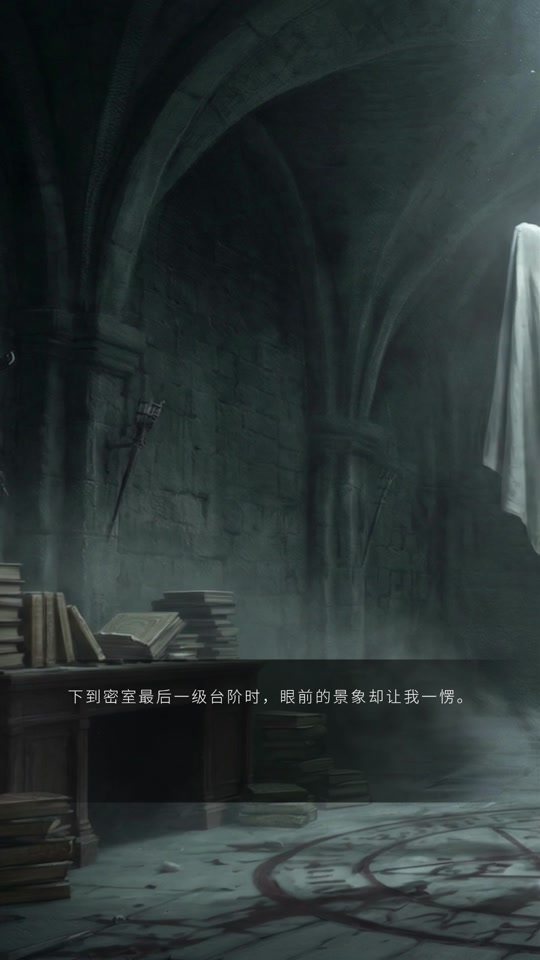
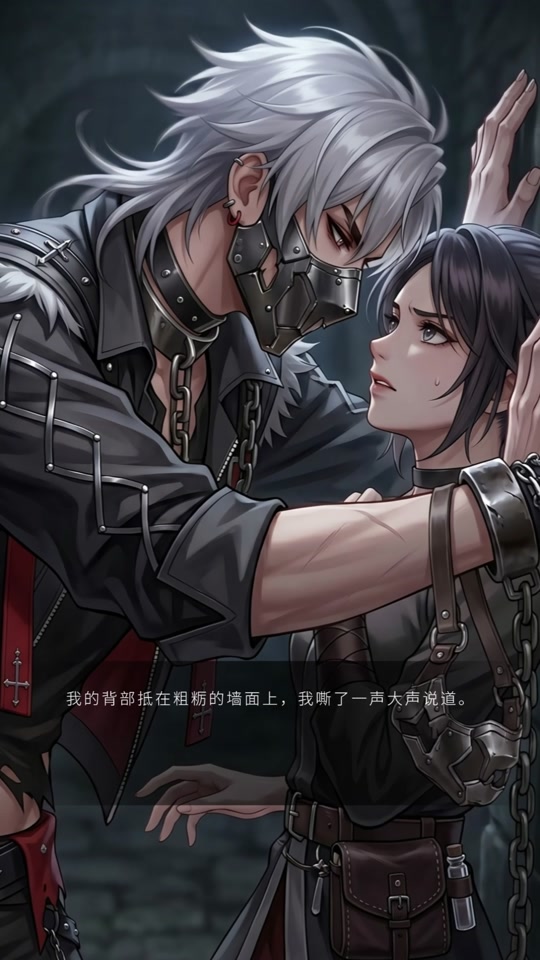
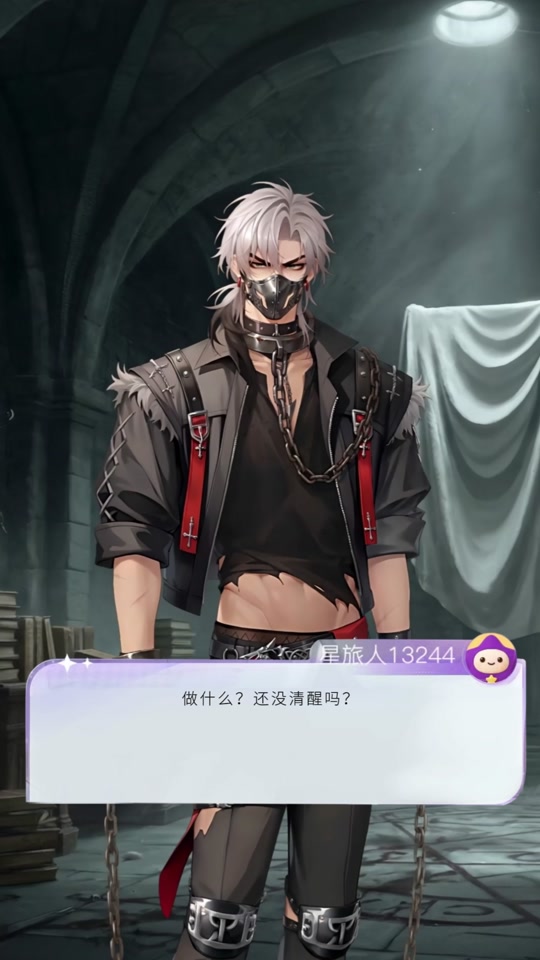
The sequence moves from the chamber reveal into a close confrontation, then returns to the standing portrait before a reassuring touch. A separate sleeve gesture introduces the second character’s manner.
03 / Timing
Timing the exchange
Camera and sound cues follow the dialogue, with pauses that allow each gesture to settle.
| Shot | Staging | Sound |
|---|---|---|
| 03–04 | Reveal the chamber with a 0.5-second shake. Pan right towards the covered cross; suspended dust settles. | Door opening and a resonant bell. |
| 05–07 | Introduce the pained portrait. Raise the eyes towards the camera as mist gathers inward. | Breathing grows stronger with the chains. |
| 12 | Follow the hand for two seconds as it removes the restraint, then tighten the two-shot. | Friction and chains; bgm_02 fades in after the second sentence. |
| 18–23 | Remove CG1 after the text and return to the idle portrait. | Fade the chains first, then end bgm_02. |
| 28–29 | Soften the expression over three seconds in CG2. Close the eyes during the touch and reopen them as the hand leaves. | A low, slightly hoarse delivery; bgm_03 fades in. |
Source: my original performance planning sheets.